show meee
Time to pick a song - I'd suggest you doubleclick...
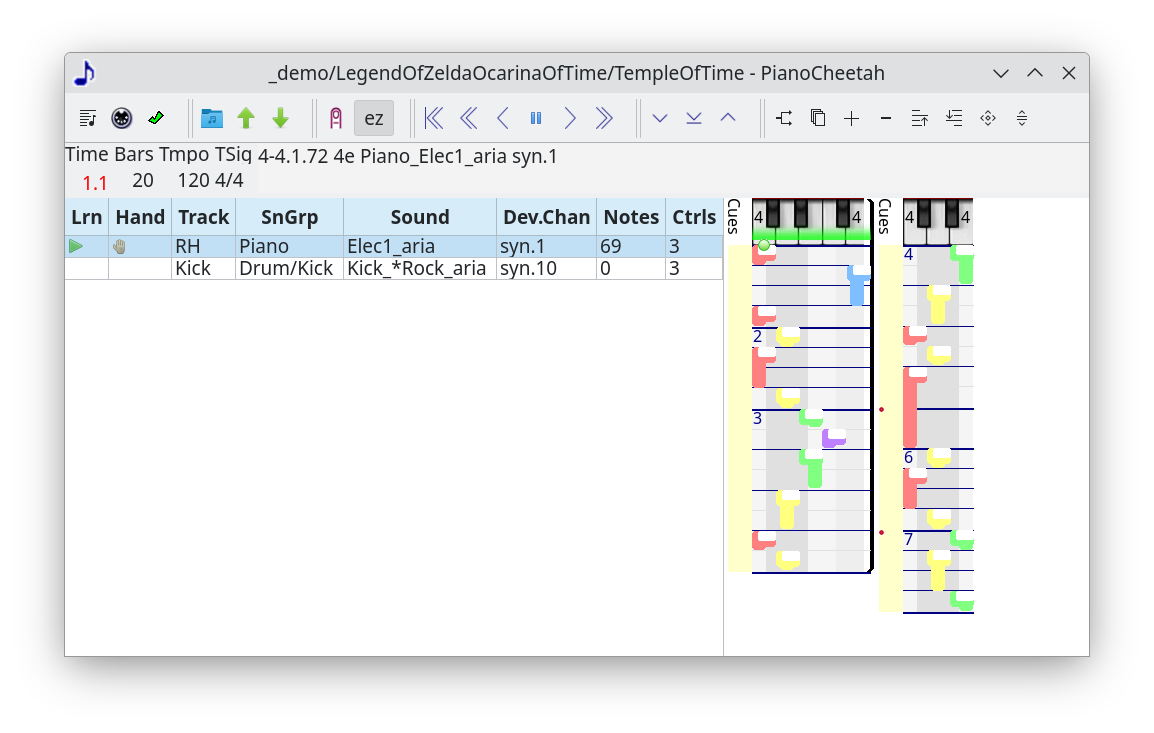
To see...
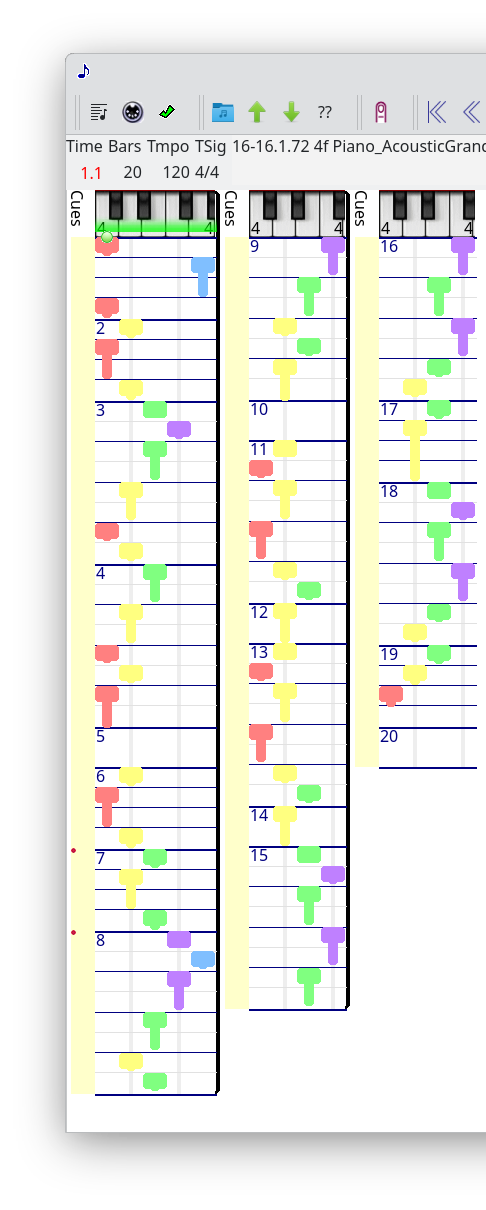
Play it :)
Put your right hand thumb on middle C like this.
Get comfy with that position - it's the only position.
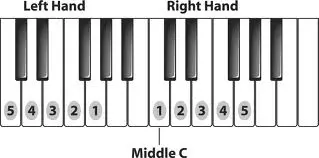
Follow the little green dot with your fingers. Play expressively.
This song is only a melody. You could play it for real no prob. But stick with me.
If you want to concentrate on the notes, this toolbar icon
will flip between showing you the track controls and showing you fullscreen notes. A song has a track for each sound.
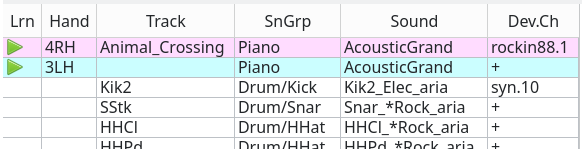
learn can be clicked between
- empty to just hear it,
- triangle to play it,
- X to mute it (right click)
- empty to just hear it,
- triangle to play it,
- X to mute it (right click)
hand can be set to LH and RH. 4RH means middle C's octave.
3LH means the octave below.
A friend can play a duet with you on the other octaves.
track is the part like bass or vocals.
click sound to pick another.
device/channel picks the device to play it on.
Here's the toolbar
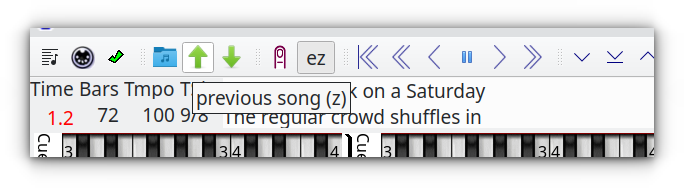
Hover the icons to see a tooltip.
click the ear/finger/brain icon until it's on finger=play.
ear=listen and brain=practice.
Here's the help menu for keyboard shortcuts
Hit F1 to show it. Hit Esc to hide it.
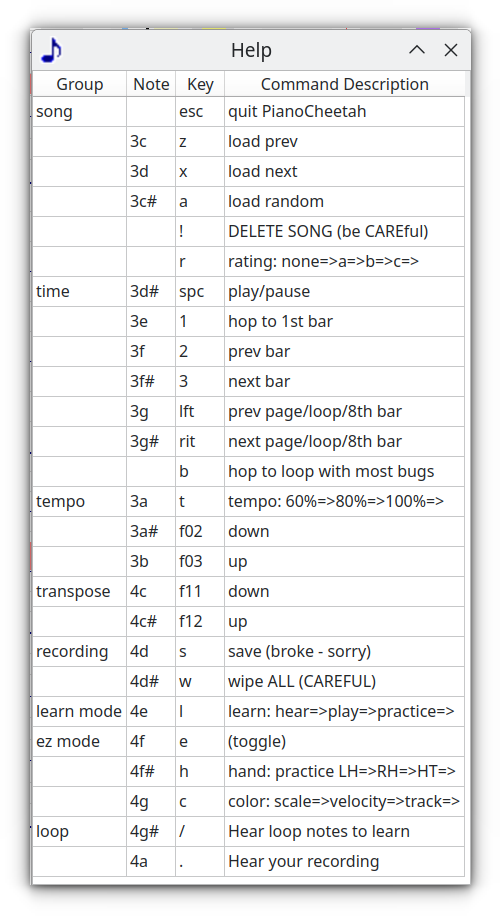
It shows the piano notes and keyboard keys to kick pianocheetah commands.
press 1 to go back to bar 1, for example.
Oh and piano keys need a shift control.
If you have a pedal or modwheel - move it to pop this:
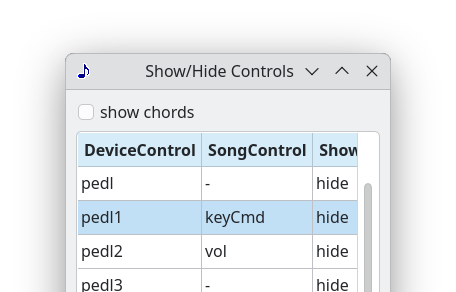
and set one of your controls to keyCmd.
Change the keys in pianocheetah/device/keycmd.txt
THAT'S ENOUGH about that !!
My plan is to do further documentation of how this thing works with videos.
► next ◤ home